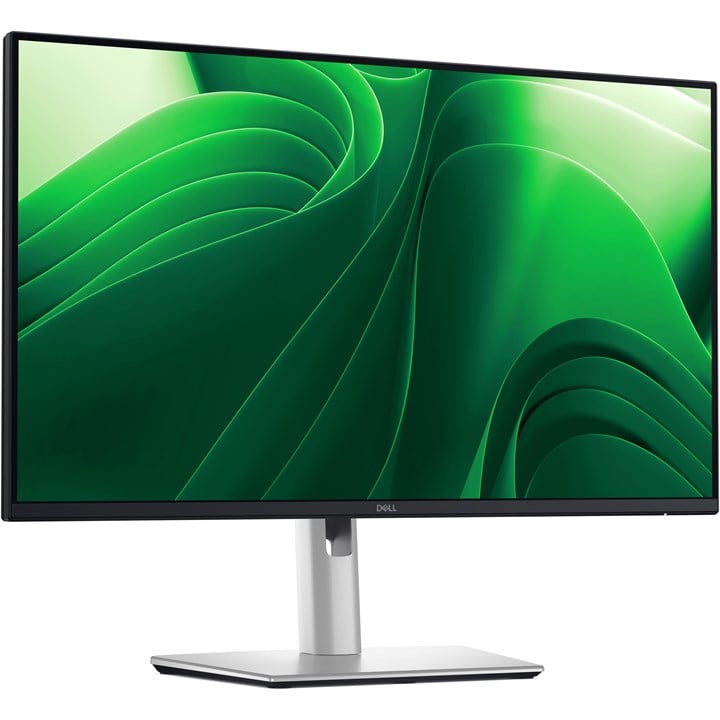
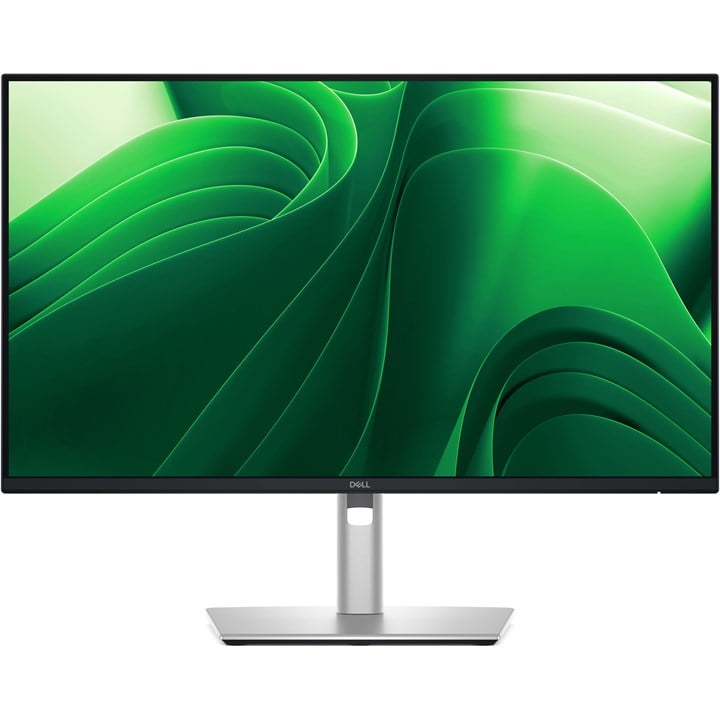
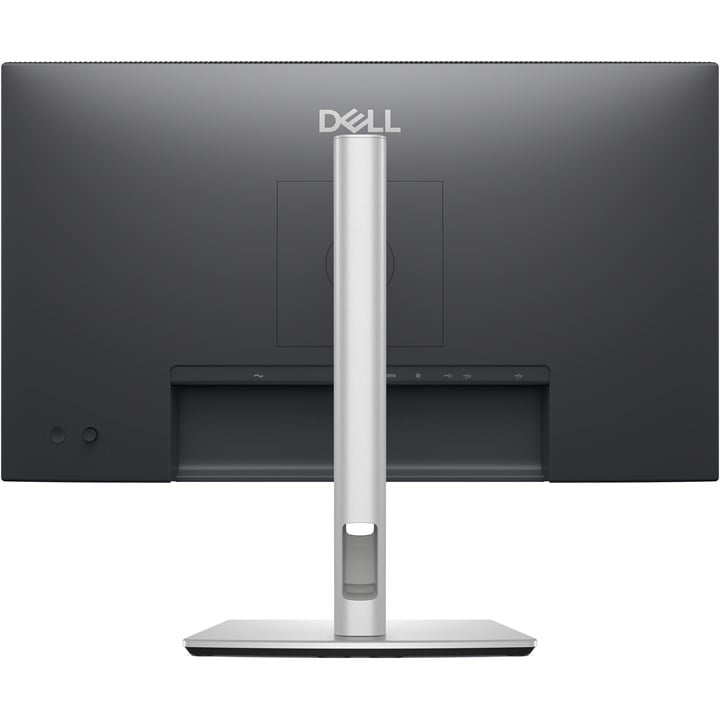
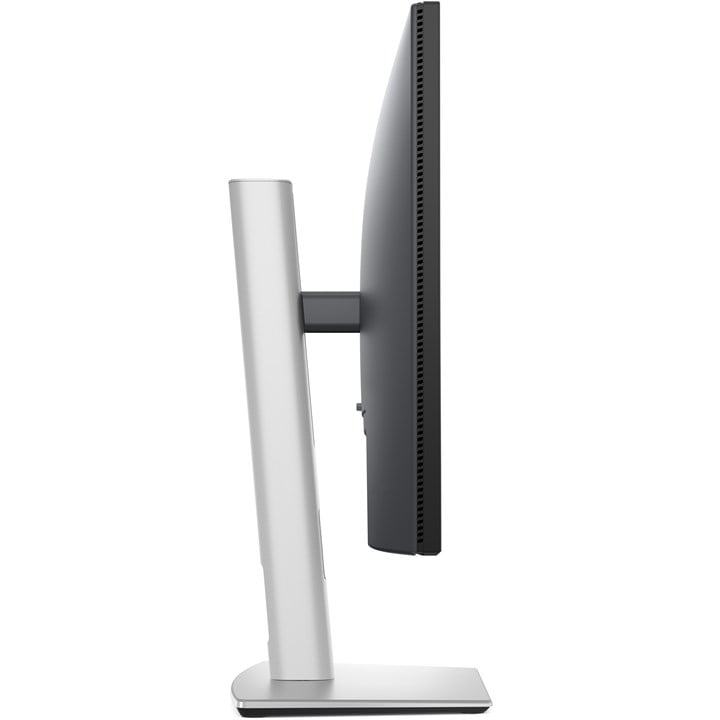
DELL Pro Plus P2425D 24" 100HZ IPS USB-C QHD Monitor

  • Part Number: DELL-P2425D
  • Manufacturer: Dell
  • Quickfind Code: 530295

  • Stock: In Stock

£158.49 ex. vat
£190.19 inc. vat


Product Features:
  • Condition: New
  • Size 24"
  • Refresh Rate 100HZ
  • Panel Type IPS
  • Resolution 2560 x 1440 (QHD)
  • Input Connections DP HDMI USB-C
  • Main Colour Silver
+ Read More Information

Share:

Product Description

Enhanced eye comfort

TÜV 4-Star certified monitor for eye comfort reduces eye fatigue while you work.


Improved ComfortView Plus

Reduced harmful blue light emissions to ≤35%, for all-day comfort without sacrificing colour.


Refresh Rate

100Hz refresh rate delivers less flicker, more seamless scrolling and smoother motion.


Vivid Colours

Wide colour coverage with up to 16.7 M displayable colours of 99% sRGB.


Clarity from any angle

With high resolution, consistent colours across wide angles, and improved contrast ratio, your work has never looked this good.

QHD resolution
2560 x 1440 resolution makes every detail stand out.

Colour consistency
Vibrant colours across wide viewing angles enabled by In-Plane Switching (IPS) technology.

1500:1 contrast ratio
For deeper blacks and brighter whites.


Configure your workspace

A wide variety of ports ensure you can connect all your accessories and create the perfect work setup to maximise your productivity.


Quick access ports

Experience the convenience of front-facing, pop-out USB-C (with up to 15W charging) and USB Type-A ports for easy connectivity. When you are done, just pop the ports back in for a clean look.


Work comfortably

Designed for comfort and style with adjustability features and an ultra-thin bezel.


Tilt

Adjustability from -5°/+21°


Swivel

Bi-directional adjustment up to 45°


Pivot

Bi-directional adjustment up to 90°


Height

Adjustability up to 150mm


Dell Display and Peripheral Manager

Experience Dell’s singular, innovative application to optimise the performance of your entire Dell PC workspace.

Maximise productivity
Easy Arrange tiles apps across screens with pre-set partitions and customises up to five windows, enhancing multitasking. Easy Arrange Memory saves and restores app profiles manually, on schedule, or at start-up.
Customise your views
Work comfortably, day or night. Automate your brightness and contrast settings to match your schedule.
More manageable
Scale up management across your entire fleet of Dell displays and client peripherals with streamlined firmware update and expanded Command Line Interface features.

Technical Specification

DELL Pro Plus P2425D 24" 100HZ IPS USB-C QHD Monitor

Display
Display diagonal
Size of the display for this product, measured diagonally, usually in inches.
61 cm (24")
Display resolution
The number of distinct pixels in each dimension that can be displayed. It is usually quoted as width × height, with the units in pixels: for example, "1024 × 768" means the width is 1024 pixels and the height is 768 pixels. The higher the number of pixels, the sharper the image.
2560 x 1440 pixels
HD type
Type of supported High Definition (e.g. Full HD, 4K Ultra HD).
Quad HD
Native aspect ratio
The aspect ratio is the ratio of the width of an image to its height. The native aspect ratio is the one which the projector/display is particularly designed for. Images shown in native aspect ratio will utilize the entire resolution of the display and achieve maximum brightness. Images shown in other than native aspect ratio will always have less resolution and less brightness than images shown in native aspect ratio.
16:9
Display technology
The technology used in the display e.g. plasma, LED.
LCD
Panel type
IPS
LED backlight
A backlight is a form of illumination used in liquid crystal displays (LCDs). One type of backlight is made by LEDs, which can be either white or RGB (red green blue). White LEDs are used most often in notebooks and desktop screens, and in virtually all mobile LCD screens. RGB LEDs for backlighting are found in high-end color proofing displays such as HP DreamColor LP2480zx monitor or selected HP EliteBook notebooks, as well as newer consumer grade displays such as Dell's Studio series laptops which have an optional RGB LED display.
 
Backlight type
Edge LED
Touchscreen
A screen of a laptop, smartphone, etc., that responds to touch so you can control the interface using your fingers.
 
Display brightness (typical)
Display brightness, measured by its Luminance, presented as a figure in nits. Typical brightness ratings for monitors range from 250 to 350 nits with a target value of between 80 to 120 nits being suitable for most displays in a normal viewing environment.
350 cd/m²
Response time
The response time is the time difference between the moment that a source (for example a video card) sends a signal and that equipment (for example a monitor) receives or display the signal. (Used abbreviations: R/F = Rise and Fall.)
8 ms
Response time measurement type
GTG (Gray to Gray)
Anti-glare screen
Always gives an optimal view, even in direct sunlight.
 
Screen shape
Flat
Supported video modes
The video modes that can be displayed by the device.
480p, 576p, 720p, 1080i, 1080p, 1440p
Contrast ratio (typical)
The difference in light intensity between the brightest white and the darkest black.
1500:1
Maximum refresh rate
100 Hz
Viewing angle, horizontal
Maximum horizontal angle at which a display can be viewed with acceptable visual performance.
178°
Viewing angle, vertical
Maximum vertical angle at which a display can be viewed with acceptable visual performance.
178°
Display number of colours
16.7 million colours
Response time (fast)
5 ms
Pixel pitch
This is the parameter of a picture tube, which specifies the shortest distance between two dots of the same colour. The principle is: the smaller the dot pitch, the better sharpness of image.
0.2058 x 0.2058 mm
Pixel density
123 ppi
Viewable size, horizontal
The viewable size is often somewhat smaller than the actual size of a monitor, because there is a border around the image.
52.7 cm
Viewable size, vertical
29.6 cm
Digital horizontal frequency
30 - 150 kHz
Digital vertical frequency
48 - 100 Hz
High Dynamic Range (HDR) supported
 
Surface hardness
3H
sRGB coverage (typical)
99%
Performance
NVIDIA G-SYNC
 
AMD FreeSync
The product includes AMD Freesync Technology for the dynamic synchronization of the graphic card and the monitor in order to avoid screen tearing.
 
Flicker-free technology
 
Low Blue Light technology
 
Multimedia
Built-in speaker(s)
The device contains speaker(s) to produce sound.
 
Built-in camera
The product has an integrated camera.
 
Design
Market positioning
Under which category can the device be positioned in the market, e.g. camera phone.
Office
Product colour
The colour e.g. red, blue, green, black, white.
Black, Silver
Front bezel colour
Black
Detachable stand
 
Feet colour
The colour of the feet, which are the projecting part on which a device/piece of furniture, or each of its legs, stands.
Silver
Ports & interfaces
Built-in USB hub
Whether or not the device features a USB hub to connect more than one other device via USB.
 
USB hub version
3.2 Gen 1 (3.1 Gen 1)
USB upstream port type
USB Type-B
Number of USB Type-B upstream ports quantity
1
USB Type-A downstream ports quantity
3
USB Type-C downstream ports quantity
1
USB Power Delivery (USB PD)
 
USB Power Delivery up to
15 W
HDMI
HDMI (High-Definition Multimedia Interface) is a compact audio/video interface for transferring uncompressed video data and compressed/uncompressed digital audio data from a HDMI-compliant device ("the source device") to a compatible computer monitor, video projector, digital television, or digital audio device. HDMI is a digital replacement for existing analog video standards.
 
HDMI ports quantity
The number of sockets (ports) for HDMI connections. HDMI (High-Definition Multimedia Interface) is a compact audio/video interface for transferring uncompressed video data and compressed/uncompressed digital audio data from a HDMI-compliant device ("the source device") to a compatible computer monitor, video projector, digital television, or digital audio device. HDMI is a digital replacement for existing analog video standards.
1
HDMI version
2.1
DisplayPorts quantity
Number of DisplayPorts. A DisplayPort is a digital display interface developed by the Video Electronics Standards Association (VESA). The interface is primarily used to connect a video source to a display device such as a computer monitor, though it can also be used to carry audio, USB, and other forms of data.
1
DisplayPort version
1.4
Headphone out
The socket for connecting headphones to the device.
 
HDCP
High-bandwidth Digital Content Protection (HDCP) is a form of digital copy protection to prevent copying of digital audio and video content as it travels across connections.
 
HDCP version
1.4
Network
Wi-Fi
Popular technology that allows an electronic device to exchange data or connect to the internet wirelessly using radio waves.
 
Ergonomics
VESA mounting
 
Ergonomics
Panel mounting interface
The product can be used wih VESA mounting interfaces.
100 x 100 mm
Cable management
Description of improved cable management
 
Cable lock slot
Holes on the edge of devices through which a cable lock can be passed, so the device can be locked to a desk etc.
 
Height adjustment
The part of the device that can be adjusted to change the height.
 
Adjustable height (max)
15 cm
Pivot
 
Pivot angle
-90 - 90°
Swivelling
 
Swivel angle range
-45 - 45°
Tilt adjustment
The tilt, which means the angle at which the device is pointing (up or down), can be changed.
 
Tilt angle range
-5 - 21°
On Screen Display (OSD)
 
Plug and Play
Indicates whether this product supports is "plug and play". Plug and play is hardware or software that, after being installed ("plugged in"), can immediately be used ("played with"), as opposed to hardware or software which requires configuration.
 
LED indicators
 
Power
Energy efficiency class (SDR)
E
Energy consumption (SDR) per 1000 hours
16 kWh
Power consumption (typical)
Amount of power consumed by this model, often expressed in watts (W). Typical values that manufacturers give are power consumption when off, standby/suspended mode, typical use, maximum usage.
15.6 W
Power consumption (standby)
The amount of electricity that is consumed when the product is on standby.
0.5 W
Power consumption (max)
The maximum amount of power used by the device.
75 W
Power consumption (off)
0.3 W
AC input voltage
The voltage of the AC electricity that is inputted into the product.
100 - 240 V
AC input frequency
50/60 Hz
Power supply type
The type of power supply which this product uses.
Internal
Energy efficiency scale
A to G
Operational conditions
Operating temperature (T-T)
The minimum and maximum temperatures at which the product can be safely operated.
0 - 40 °C
Storage temperature (T-T)
The minimum and maximum temperatures at which the product can be safely stored.
-20 - 60 °C
Operating relative humidity (H-H)
10 - 80%
Storage relative humidity (H-H)
5 - 90%
Operating altitude
0 - 5000 m
Non-operating altitude
5000 - 12191 m
Weight & dimensions
Width (with stand)
538.7 mm
Depth (with stand)
181.5 mm
Height (with stand)
496.6 mm
Weight (with stand)
4.67 kg
Width (without stand)
538.7 mm
Depth (without stand)
49.7 mm
Height (without stand)
315.2 mm
Weight (without stand)
3.2 kg
Bezel width (side)
5.93 mm
Bezel width (top)
5.88 mm
Bezel width (bottom)
1.3 cm
Packaging data
Package weight
Weight of the packaged product.
7.04 kg
USB cable length
1.8 m
Packaging content
Stand included
 
Cables included
AC, DisplayPort, USB Type-A to USB Type-B
Power adapter included
 

Fast Next Day Delivery

Over 20 years of Supply, Service & Support

We Source Hard to Find and Legacy Computer Parts

Free Technical Support